 lefteros
LEFTEROS / PERSONAL ARCHIVE
Tagged: e-ink.
Tagged: e-ink
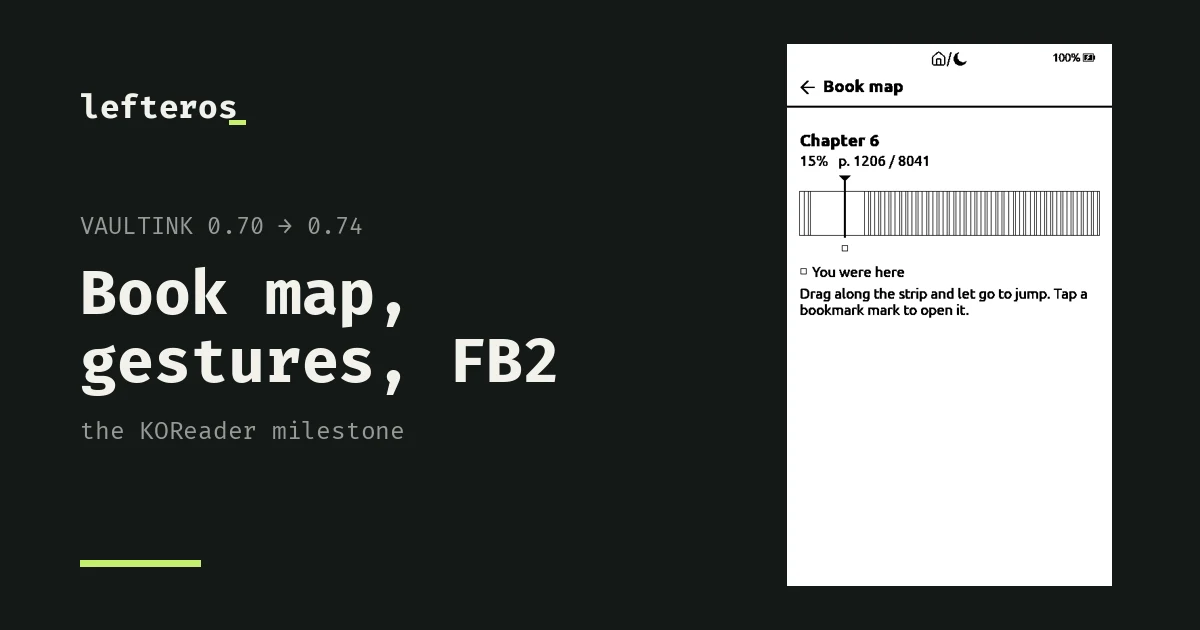
VaultInk 0.74: book map, gestures, FB2, Wikipedia and WebDAV
From 0.70 to 0.74: the KOReader milestone with a book map, hidden chapters, gestures and a Quick Menu, FB2, HTML and RTF books, auto warmth, Wikipedia, Readwise and Memos, WebDAV and FTP. Before that, Book menu options, PDFs with headings and bold, a new Browse Files, and what of it all has been tested on a real X4 Pro.
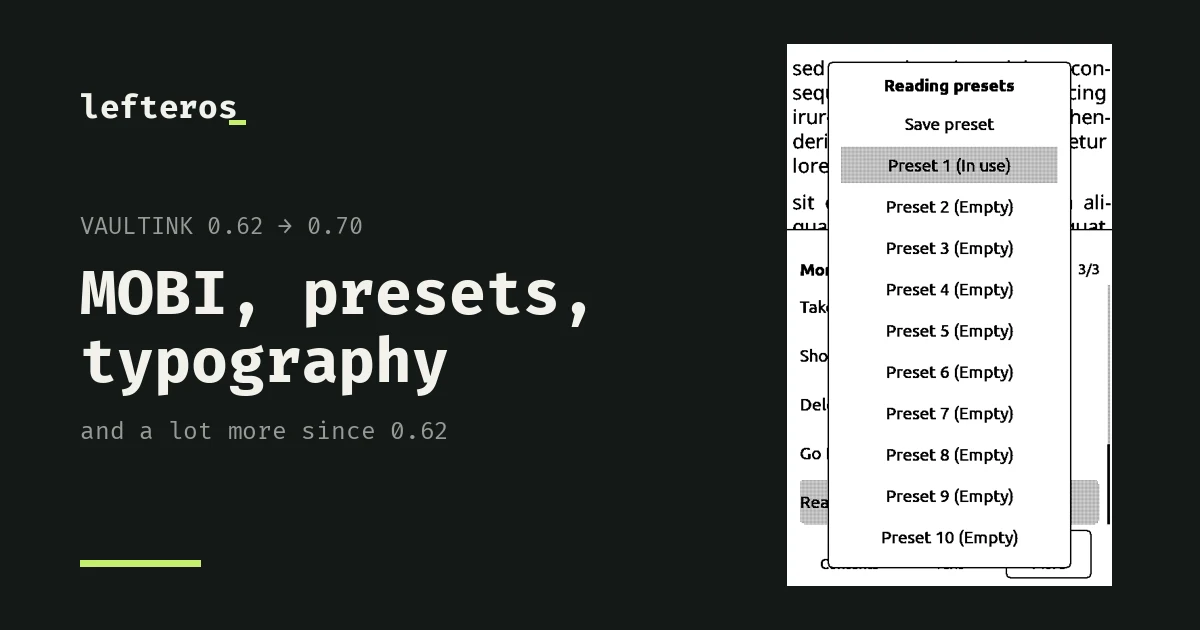
VaultInk 0.70: MOBI books, reading presets, Advanced Typography and a lot more
From 0.62 to 0.70 in four days: MOBI, AZW and AZW3 books, Advanced Typography, reading presets, Go to page, a book page number in the status bar, a Flashlight, a Focus timer, Habits, Excalidraw drawings, search in Browse Files, a Bluetooth keyboard, companion 0.5.0, and which of it has been tried on a real X4 Pro.
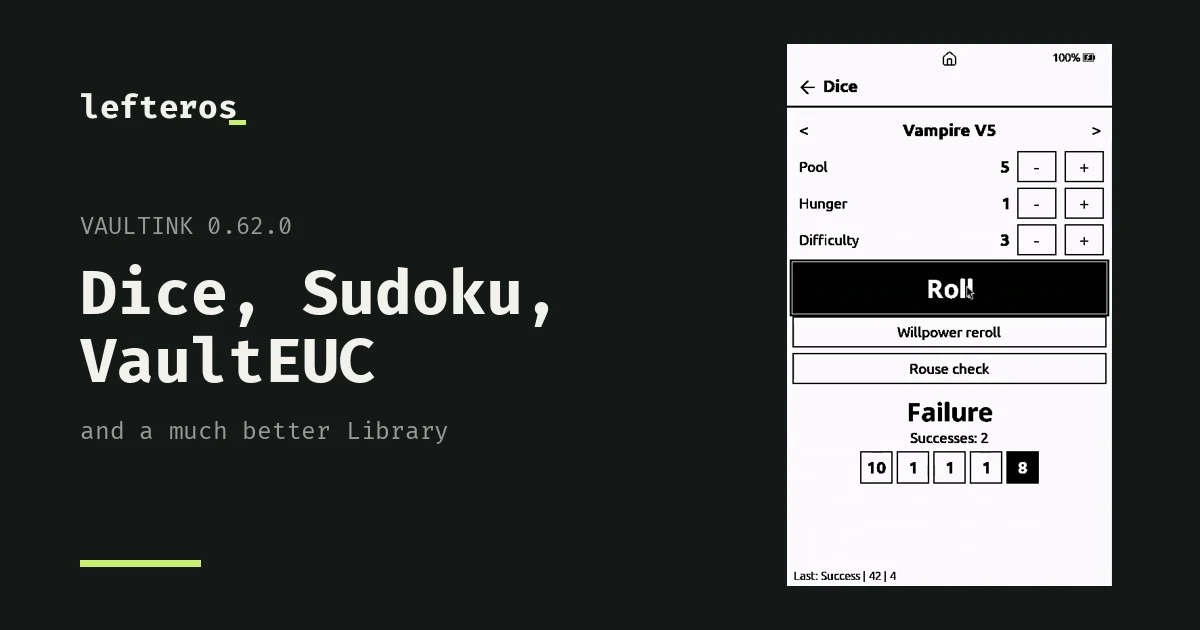
VaultInk 0.62: Dice, Sudoku, VaultEUC and a much better Library
VaultInk went from 0.55 to 0.62 in a day: a Library you can sort, filter and reorder, a far better Search in Book, Random page, a dice roller for tabletop games, Sudoku, and VaultEUC for electric unicycles. Plus what hasn't been tested on a device.
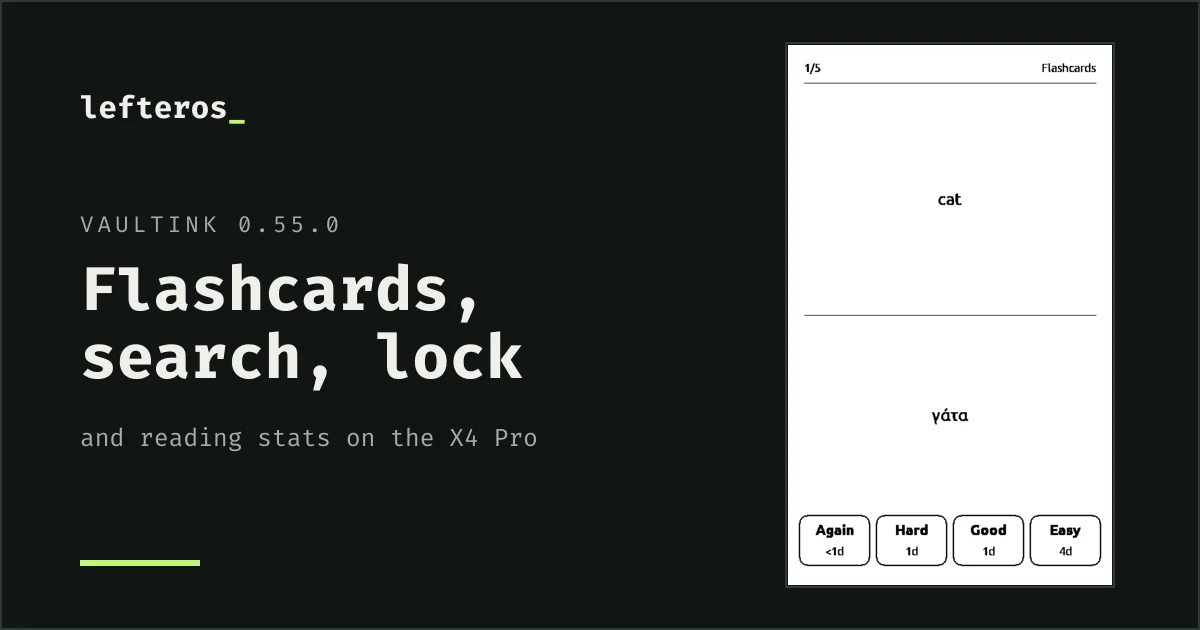
VaultInk 0.55: flashcards, search in a book, a lock screen and reading stats
VaultInk went from 0.48 to 0.55 in a day: flashcards from your notes, search inside a book, a lock screen with the owner's details, reading statistics on the sleep screen, and PDFs as text. Plus what's tested and what isn't.
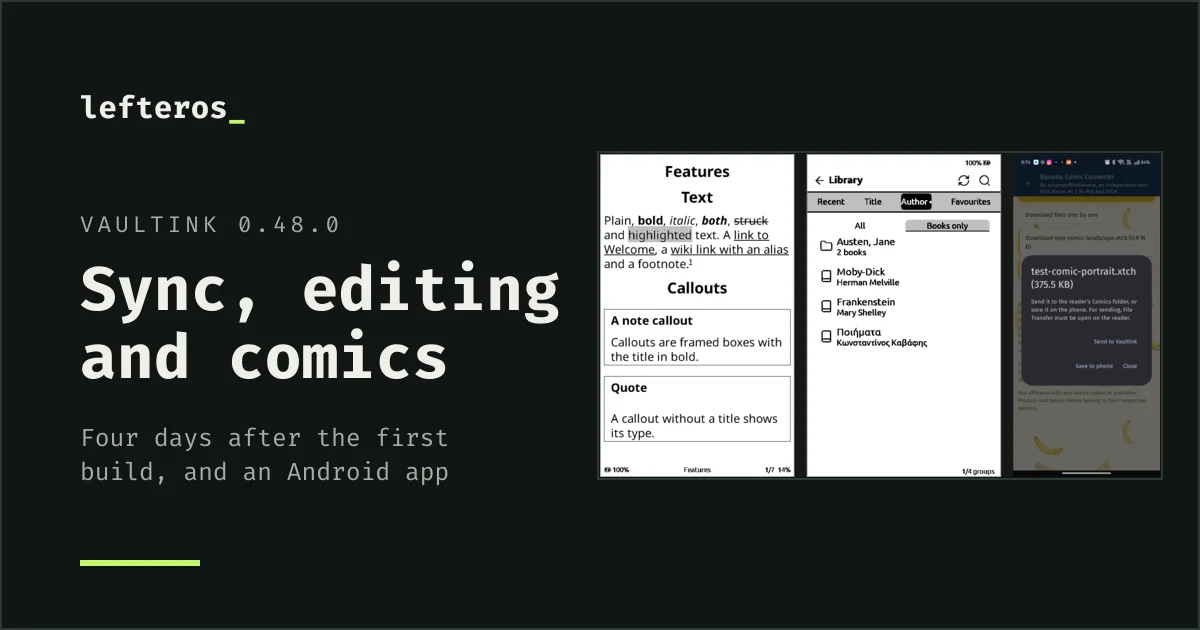
VaultInk 0.48: sync, editing, comics and an Android companion
Four days after the first build, VaultInk syncs vaults with Self-hosted LiveSync both ways, edits notes on the device, opens canvases and comics, and has an Android companion app and a new website. What changed, what's tested so far, and what comes next.

VaultInk — books and Obsidian vaults on the Xteink X4 Pro
VaultInk is free, open firmware for the Xteink X4 Pro e-reader. It keeps everything CrossPoint Reader does for books and adds your Obsidian notes: read, search, edit and sync them with Self-hosted LiveSync. Comics too, an Android companion app, and menus in Greek and English.
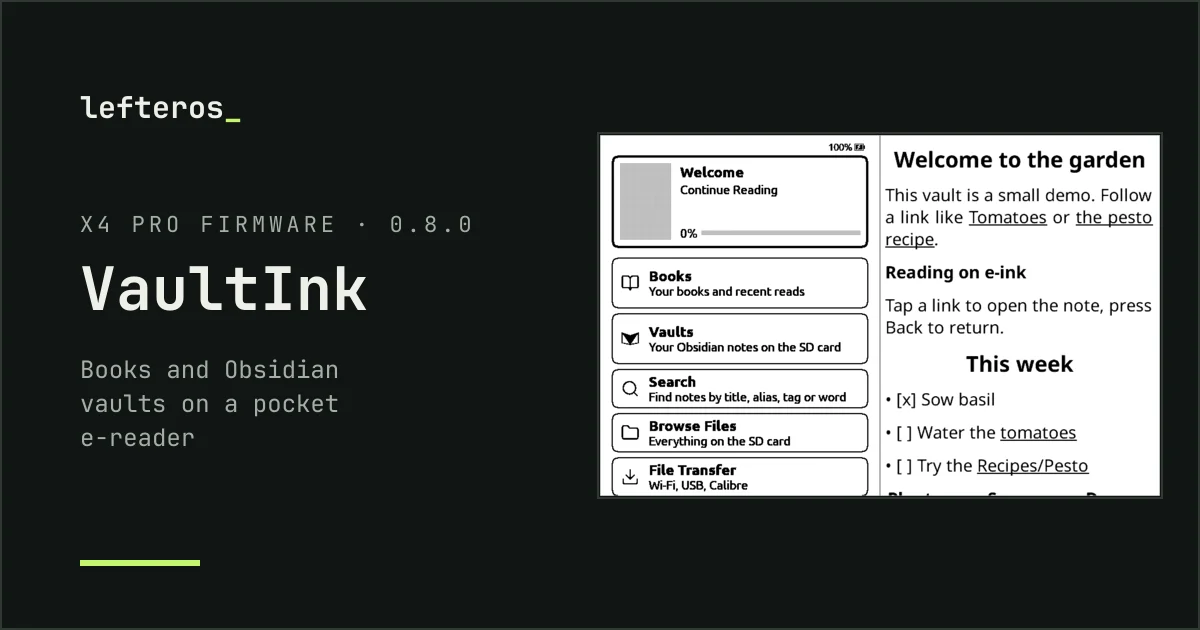
VaultInk: my Obsidian notes on a pocket e-reader
VaultInk is new free firmware for the Xteink X4 Pro: books as in CrossPoint Reader, plus Obsidian vaults you can read, search and follow links in, in Greek and English. Why I started it, what works on day one, and what comes next.

CrossInk-Indic now reads Burmese, on every Xteink
v1.6.0-indic.3, and indic.4 with the spacing fix: Burmese in Noto Sans Myanmar with its own shaper, lines that break between syllables, and a Burmese menu, for the X3, X4, X4 Pro, X4 Classic and Sticky.

CrossInk-Indic now reads 13 Indic languages, on every Xteink
v1.6.0-indic.2: Hindi, Marathi, Nepali, Bengali, Assamese, Punjabi, Gujarati, Odia, Tamil, Telugu, Kannada, Malayalam and Sinhala, each with its script and its menu built into the firmware, for the X3, X4, X4 Pro, X4 Classic and Sticky.
CrossInk-Indic
13 Indic languages and Burmese for CrossInk, the open firmware for Xteink e-readers: each script's fonts and OpenType shaping built into the firmware, and a menu in every language, for the X3, X4, X4 Pro, X4 Classic and Sticky. What it adds, how it was built and how to install it.
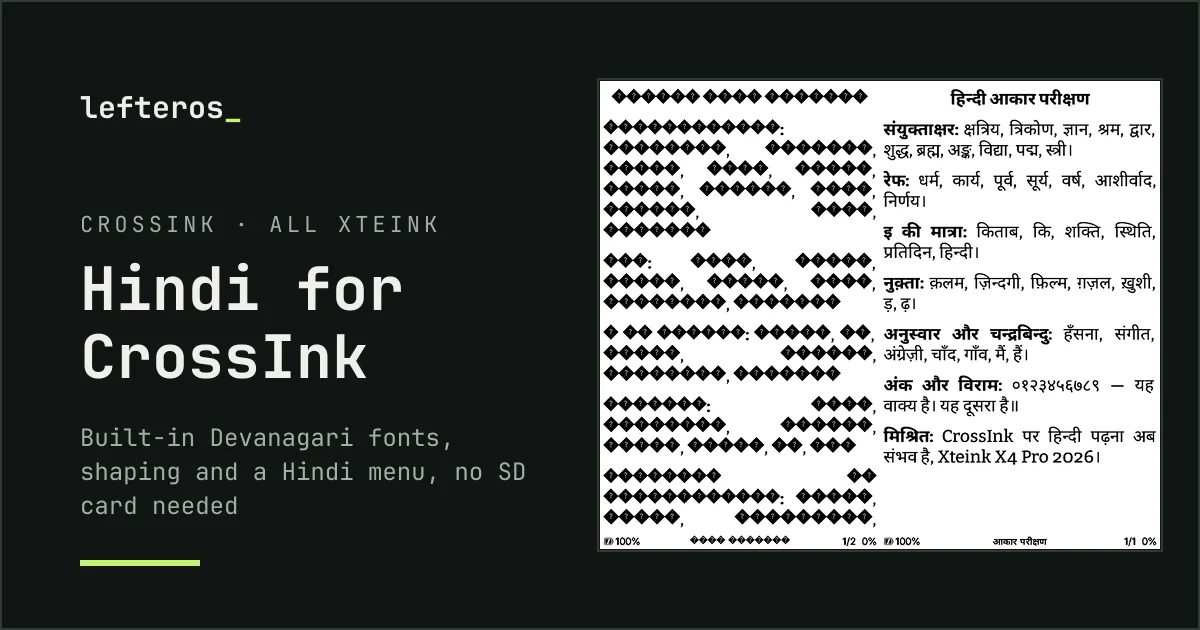
Hindi has arrived in CrossInk, on every Xteink reader
CrossInk-Indic: Hindi books and a Hindi menu on the X3, X4, X4 Pro, X4 Classic and Sticky, with the Devanagari fonts and shaping built into the firmware. Free, open, and public as of today.
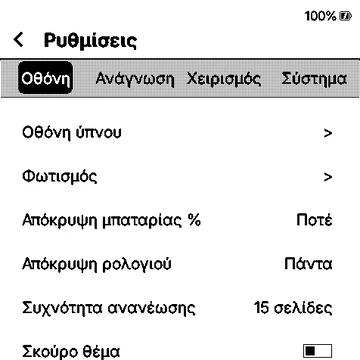
CrossInk in Greek
Greek for CrossInk, the open firmware for Xteink e-readers: Greek letters in the reading fonts, proper hyphenation and a Greek menu, for the X4 Pro. What it adds, how it was built and how to install it.
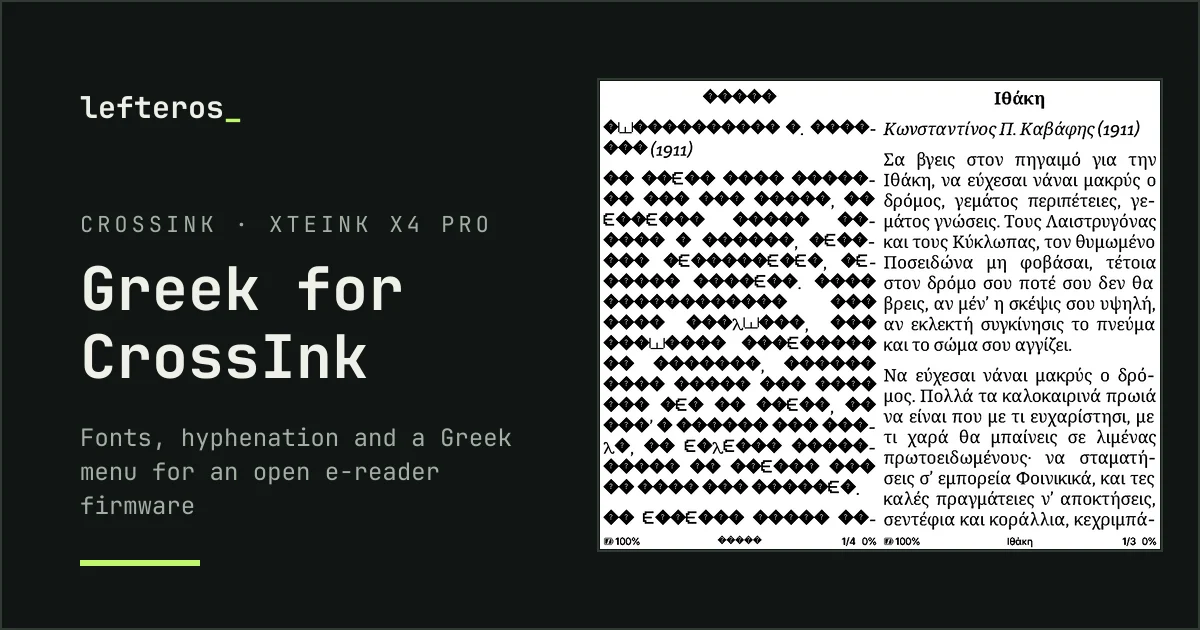
Greek has arrived in CrossInk
Greek letters, proper hyphenation and a Greek menu for the open firmware of Xteink e-readers, built in under 24 hours. A test build for the X4 Pro.