 lefteros
LEFTEROS / PERSONAL ARCHIVE
 Beta
BetaVaultInk — books and Obsidian vaults on the Xteink X4 Pro
26 October 2026 / Lefteris Iliadis / SomniusX
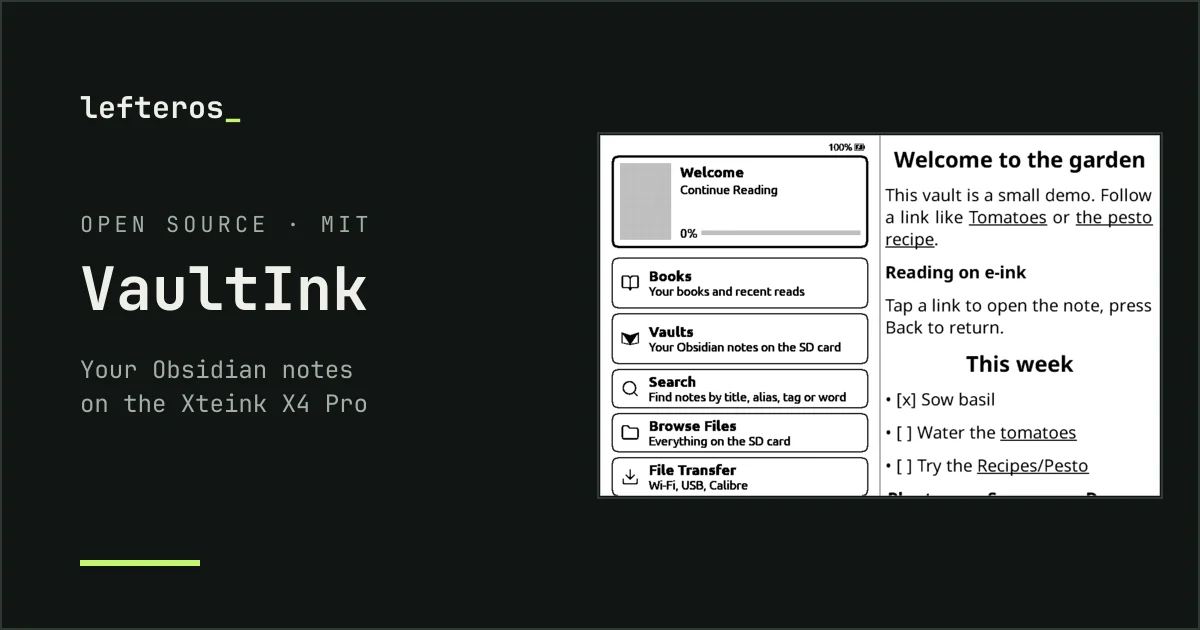
VaultInk is firmware for the Xteink X4 Pro, a small e-ink reader. It keeps everything CrossPoint Reader does for books, and adds a way to carry your Obsidian notes with you: you can read them, search them and follow their links. Later you'll be able to sync and edit them too. It's free and open source (MIT), with menus in Greek and English.
VaultInk is not affiliated with Obsidian, Xteink or CrossPoint.
Where it stands
The first builds are up and running, the latest being 0.8.2: books work as in CrossPoint, and you can already open a vault, read its notes with their links, images, footnotes and embedded notes, and search it. The styling and the rest of vault support are on the way. This page follows the project as it grows, and I'll write a blog post now and then when something big lands.
Most testing happens in the simulator, and the first device test came from a friend, Kostas (kos25k), who runs 0.7.0 on an Xteink reader: it boots, and the menus and quick settings work. Two things turned up there and are fixed: Greek was hard to find in the language list (now first, in 0.8.1), and a tap on the paper tile could turn the book upside down (0.8.2). Those fixes haven't been re-tested on the device yet, and neither have vaults, notes or search. It's still early, so please don't flash it onto the reader you use every day yet.
What works now
- Reading. Everything CrossPoint Reader offers: EPUB, TXT and XTC books, SD-card fonts, hyphenation, bookmarks, highlights, dictionaries, KOReader sync, OPDS catalogs and Calibre wireless transfer.
- Obsidian notes. A
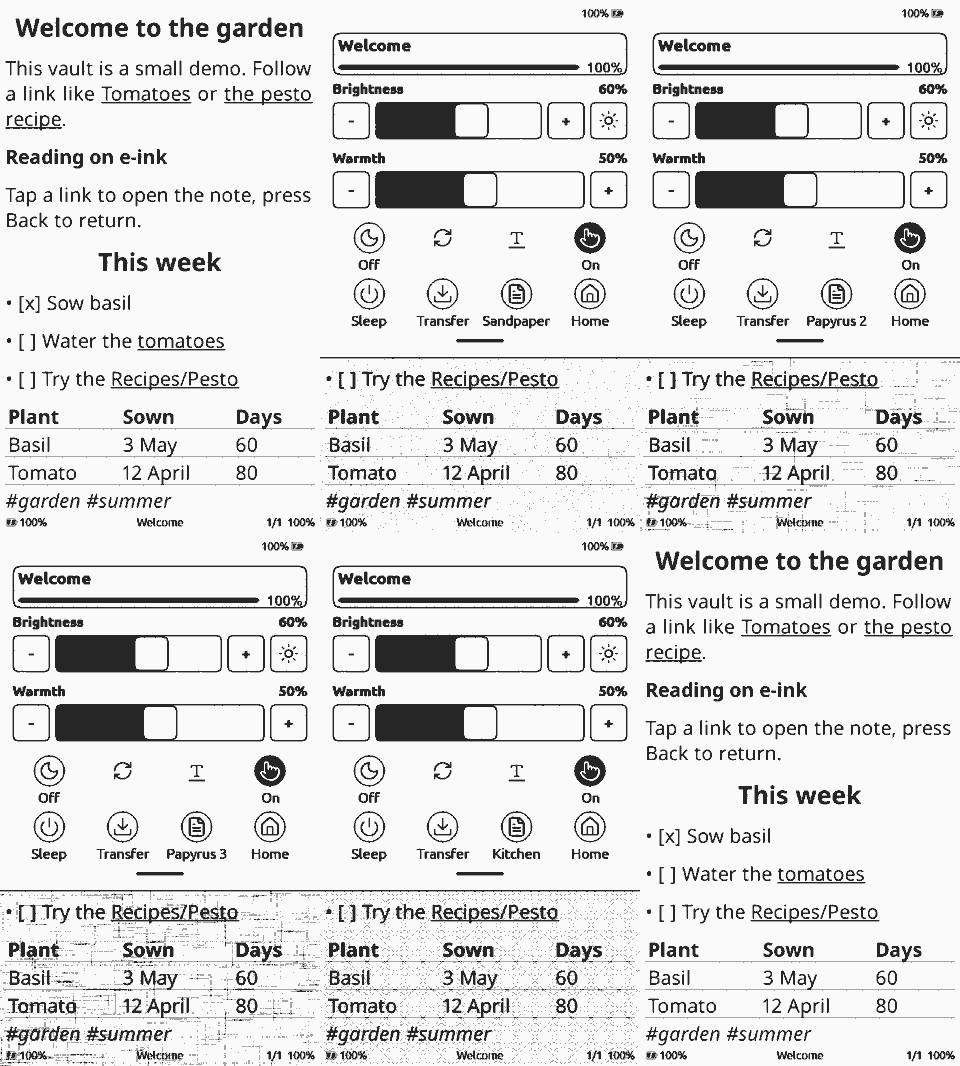
.mdnote from a vault reads like a book page: headings, bold and italic, highlights, lists and tasks, quotes and callouts, tables, code, and embedded images found anywhere in the vault. Tap a[[link]]to open the other note, and press Back to return. - Vaults and search. The Vaults row finds every vault on the SD card. Search looks through all of them by title, alias, tag and text. Accents don't matter, so “καλημερα” finds “Καλημέρα”. In a note, More → Backlinks lists the notes that link to it.
- Greek and English. A full Greek interface, monotonic and polytonic Greek in the fonts, Greek hyphenation, and an on-screen keyboard in both languages, switched with the globe key.
- A new home screen and quick settings. The book you're reading on top, then Books and Vaults; swipe down from the top for light, night mode, refresh and sleep.
- Page backgrounds, from plain to papyrus to bath towel. Mostly for fun, but the papyrus ones are actually nice for a long read.

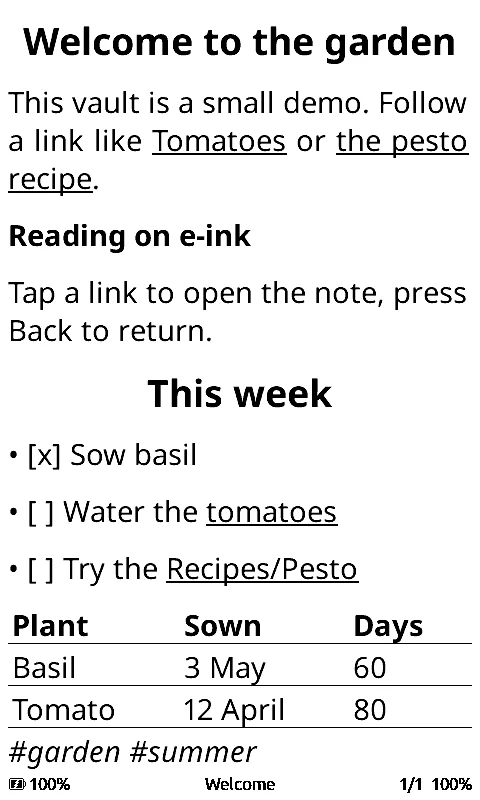
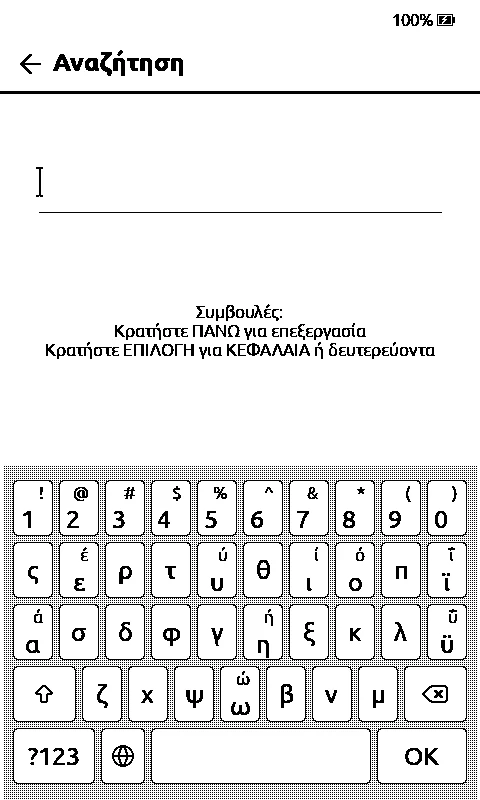
The vault picker, a note from a small demo vault, and the Greek keyboard. All from the simulator.
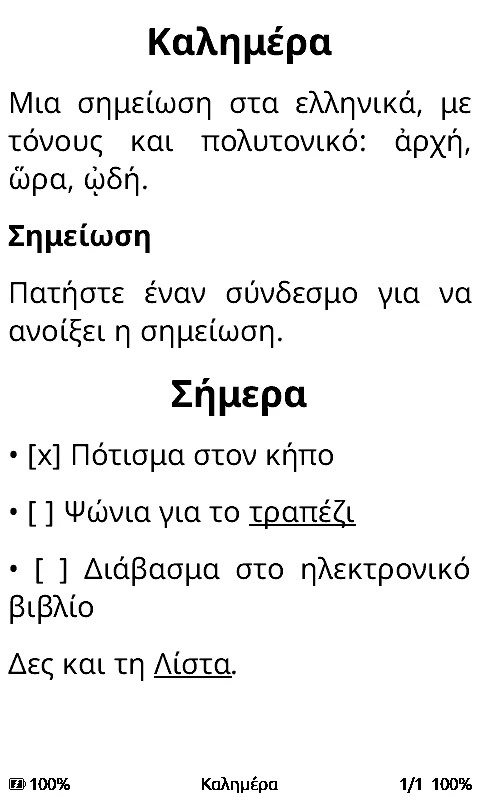


In Greek: a note with polytonic text, search that ignores accents, and backlinks. Version 0.7.0, simulator.
What's coming
- The vault reader, finished: faster links in vaults with thousands of notes, and recent notes on the home screen.
- Canvas files, read only: cards, groups and arrows, with zoom and pan.
- Sync with the Self-hosted LiveSync plugin, so a vault stays in step with your other devices. The plugin stays as it is on desktop and phone; VaultInk speaks its format on the device.
- Editing notes on the device, then a Bluetooth keyboard.
- An Android companion app for typing into the device and quick notes.
The roadmap has the details and the order.
Installing
The easiest way is the web installer. Open it in Chrome or Edge on a computer, connect the X4 Pro over USB, and press Install. It writes the whole image, so it works the first time you move from the stock firmware too. After that, VaultInk finds new versions itself under Settings → System → Check for Updates. Every version is also on GitHub Releases.
More devices
VaultInk builds for the X4 Pro for now. Other readers with the same screen and chip, like the rest of the Xteink line, the M5Stack PaperMono and the Seeed reTerminal Sticky, are close, but each one needs its own testing in hand. The fundraiser page is for exactly those devices.
Posts
- VaultInk: my Obsidian notes on a pocket e-reader, 26 October 2026
Links
- VaultInk: source, web installer, releases, roadmap
- Built on CrossPoint Reader and the FreeInk SDK
- Ideas from CrossNext and KOReader's SimpleUI plugin
Thanks a lot: the CrossPoint Reader people for the reader everything here stands on, and Kostas (kos25k), who tried it on a real device and came up with the page backgrounds.