 lefteros
LEFTEROS / PERSONAL NOTES
VaultInk 0.55: flashcards, search in a book, a lock screen and reading stats
31 October 2026 / Lefteris Iliadis / SomniusX
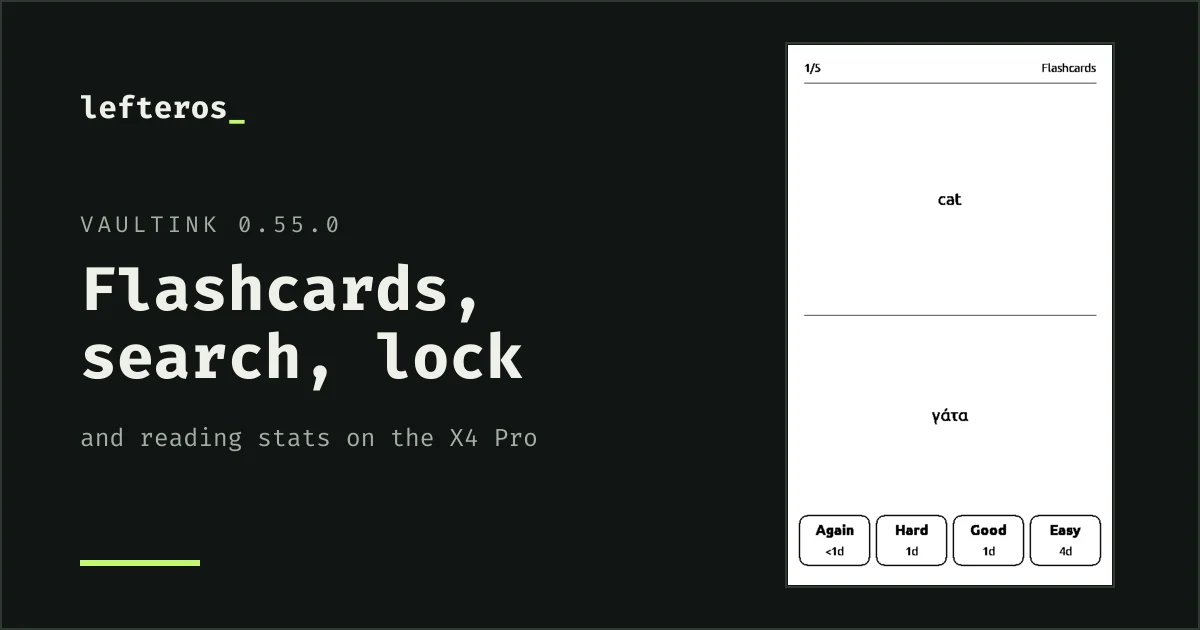
Yesterday's post about VaultInk stopped at 0.48.0. A day later it's at 0.55.0, the firmware for the Xteink X4 Pro that carries your books and your Obsidian vaults. Search in a book, the lock screen, the owner lines, reading stats and the home card fix came from issues by Kostas (kos25k), who has opened twenty-three so far. The rest is your notes and comics doing more on the reader. The install steps and the web installer are on VaultInk's website.
Flashcards
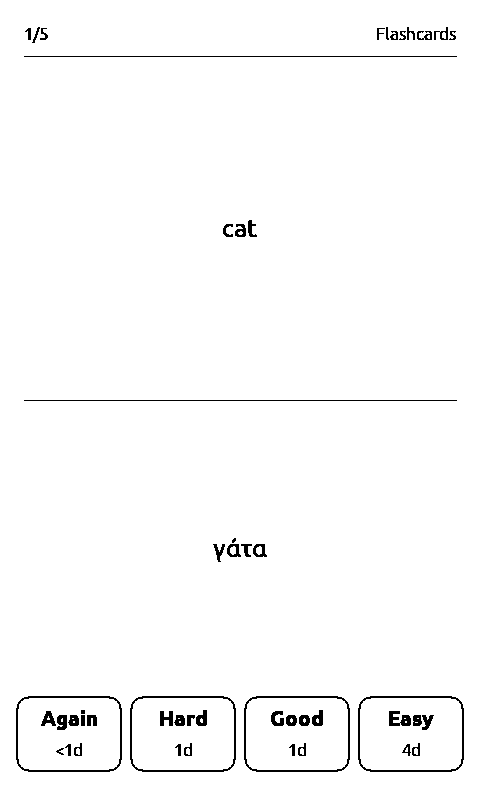
You write cards in your own notes and review them on the reader, with spaced repetition. Tag a note #flashcards and write Front::Back, or Front:::Back for both ways. A few lines, then a ? line, then the answer works too, and so do {{gaps}}.
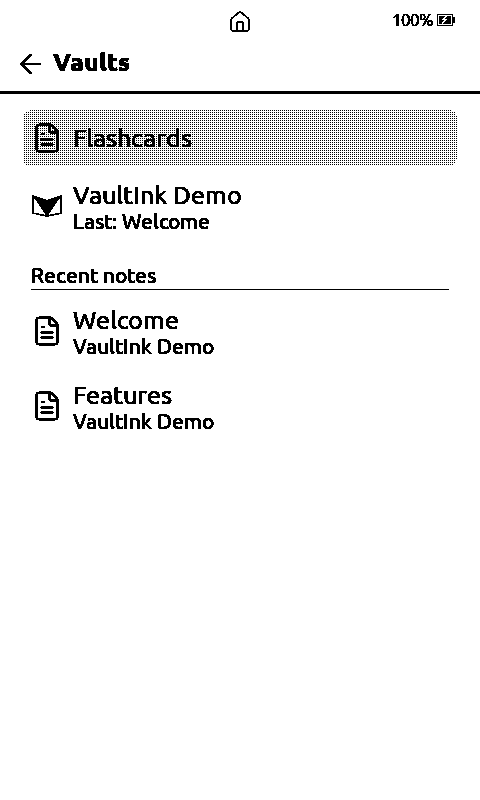
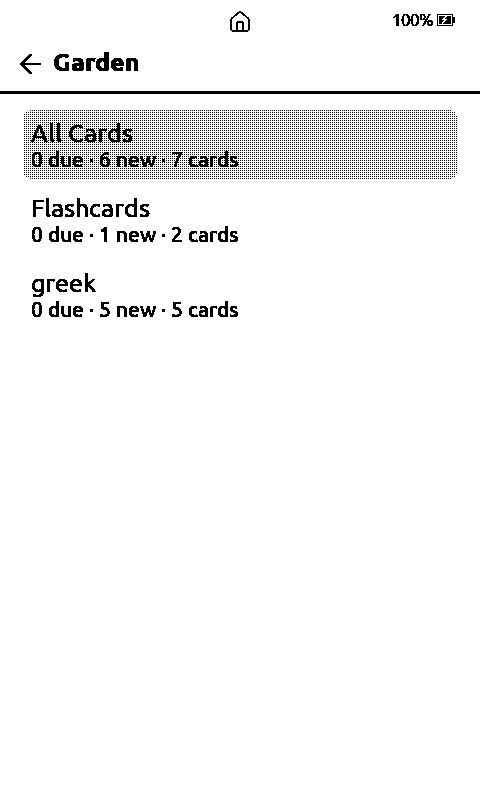
Vaults → Flashcards shows the decks with what's due and what's new. A tap shows the answer, then you pick Again, Hard, Good or Easy. A note's reading menu has Flashcards too, for just that note. Nothing is written into your notes: the state is kept on the card next to the search index. The flashcards guide has the details.
Search inside a book
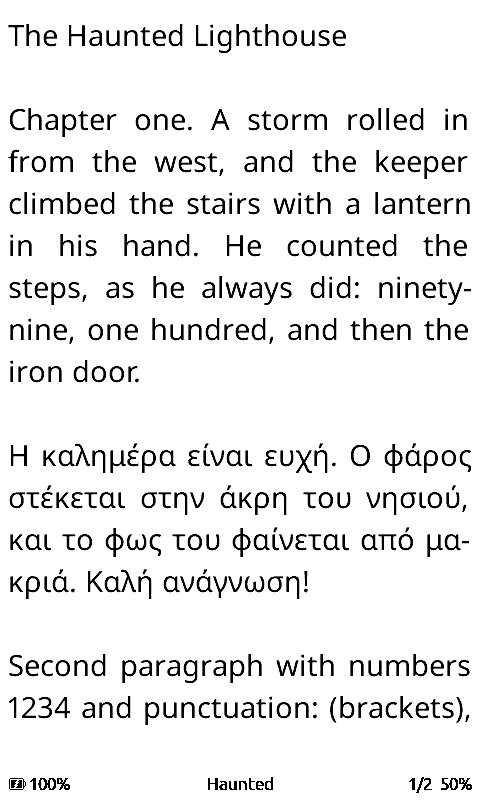
Search in Book is new in 0.55.0, in the reading menu. Type a word or a short phrase. Capitals and accents don't matter, Greek included, and part of a word matches too. Each result shows a few words around the hit, the chapter, and the page in that chapter.
The first search in a book lays out the chapters you haven't read yet, so a long book takes a while. Back stops it and keeps what it found. You get at most 100 results, 3 per page.
A lock screen, and whose reader it is
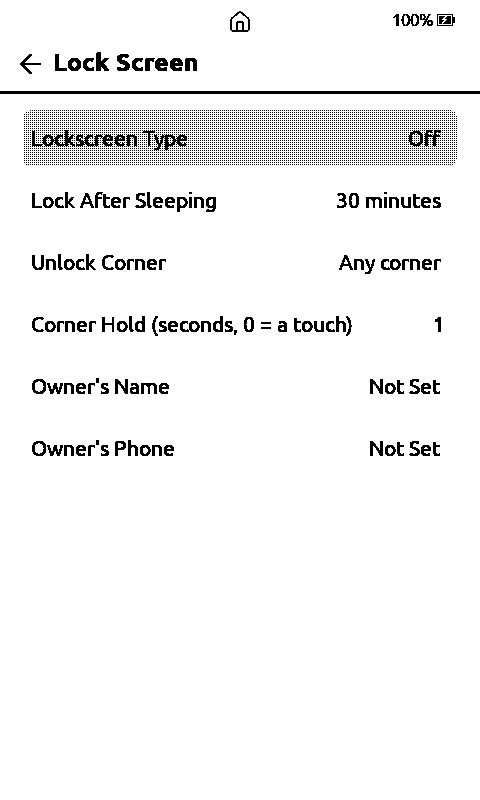
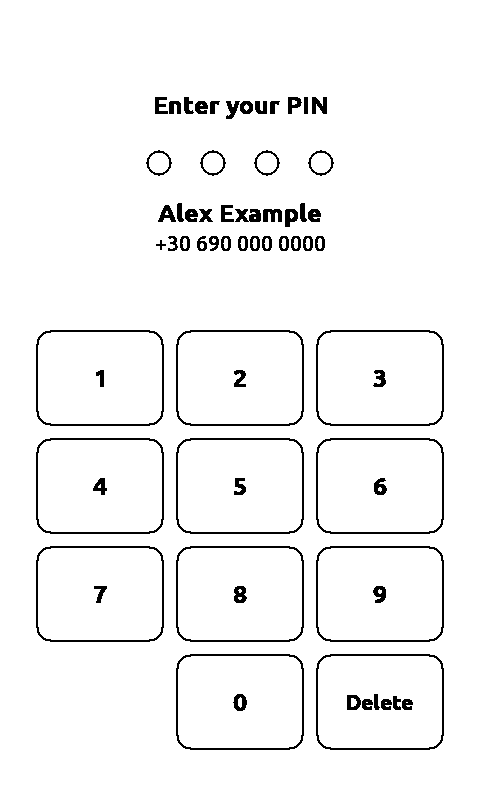
Settings → System → Lock Screen offers a 4-digit PIN or holding a corner. You choose how long the reader must sleep before it locks (always, or from 5 minutes to 3 hours), which corner unlocks it, and for how long you hold it.
The same page has Owner's Name and Owner's Phone, shown on the lock screen, so whoever finds a lost reader can return it. Settings → Display → Owner on Sleep Screen puts them on the sleep screen too. While the lock screen is up, the swipe down for the light panel stays off.
If you forget the PIN, take the SD card out and delete /.vaultink/lock-pin.txt on a computer. That also shows what the lock is for: it stops someone from picking the reader up and reading. The card itself isn't encrypted.
Reading statistics while it sleeps
Settings → Display → Sleep Screen → Reading stats shows your reading figures on the sleep screen: the time and date, how long you read today, this week, this month and in total, your last three books with their progress, and a calendar with the percent your current book was at each day.
Reading time is counted for books, not notes, and only since 0.51.0. It stays in /.vaultink/reading-log.tsv on the card, and the clock has to be set. The sample below is from the simulator.
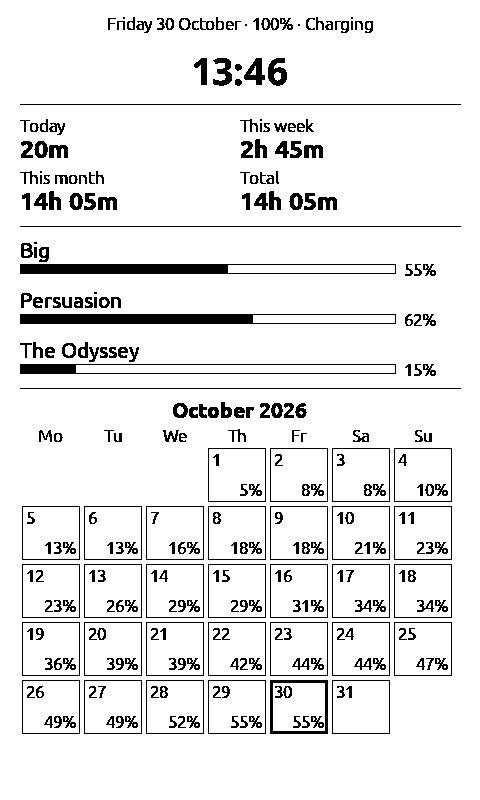
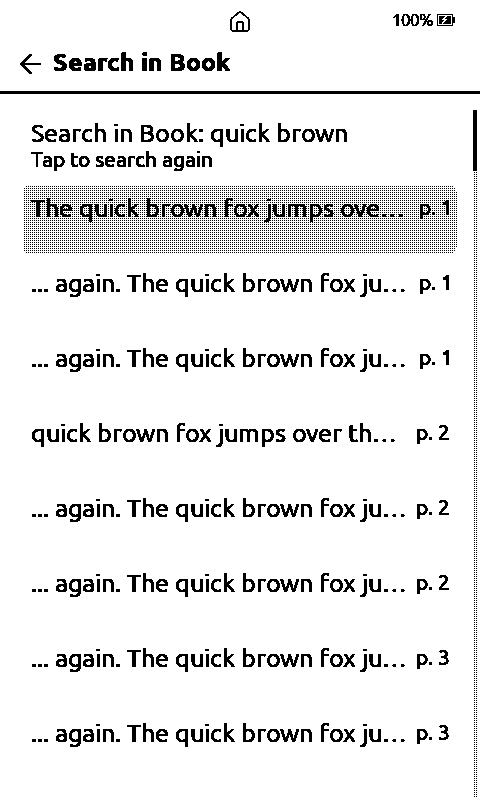
Left: reading stats on the sleep screen. Right: Search in Book.
PDFs as text
A PDF in Browse Files now opens as reflowing text, Greek included, with the values of filled-in forms. Two columns read in order, and PDFs locked only against copying or printing open too. It doesn't do pictures, tables or scans. I compared it with the desktop tool pdftotext on 30 PDFs, and the word counts matched within a few percent.
Notes and comics
- Tasks are real boxes now, ☐ and ☑, with the built-in reading fonts.
- Search finds block ids:
^idopens the note at that block. - Highlights to a Vault Note writes a book's clippings to
Highlights/<title>.md, and Sync now sends them to LiveSync. - Join With Next Line in the line editor, and renaming a note now updates Markdown links as well as wiki-links.
- CBZ pages are kept on the card and the next one is prepared ahead, so pages turn faster. Landscape pages show as two halves, and the menu has a progress bar with a tick at each chapter.
- PNG pages go up to 24 megapixels.
- The home card no longer overlaps with long titles.
The companion app
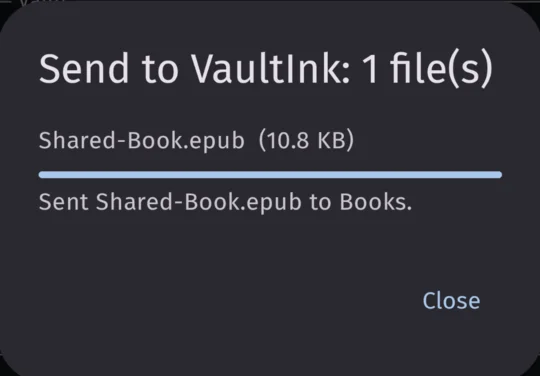
VaultInk Companion reached 0.4.0. Since 0.3.0, books and comics shared from another app go straight to the reader. With 0.4.0 there's an outbox: with no reader around you can still write a note, and it stays on the phone with any shared books and comics until the app finds the reader again.
What's tested
All of this ran in the simulator and the parsers and scheduler have host tests, but most of it hasn't been confirmed on a real X4 Pro yet: flashcards, how long a first search takes on a long book, big PDFs, CBZ spreads and page turn times, the light panel staying shut on the lock screen, and the lock timing after a real deep sleep. The outbox ran on a phone against the simulator, and a book shared with no reader around hasn't been tried. Each release note lists what's still open. Back up your SD card first.
What comes next
A Folders tab in the Library and then the order of its tabs, the rest of the vault reader, then a Bluetooth keyboard. The roadmap has the order, and the VaultInk page follows along.
Thanks a lot to Kostas (kos25k) for the testing and the ideas.