 lefteros
LEFTEROS / PERSONAL NOTES
VaultInk 0.76: Typography Engine, scrolling, an SSH terminal and tests on my own X4 Pro
15 November 2026 / Lefteris Iliadis / SomniusX
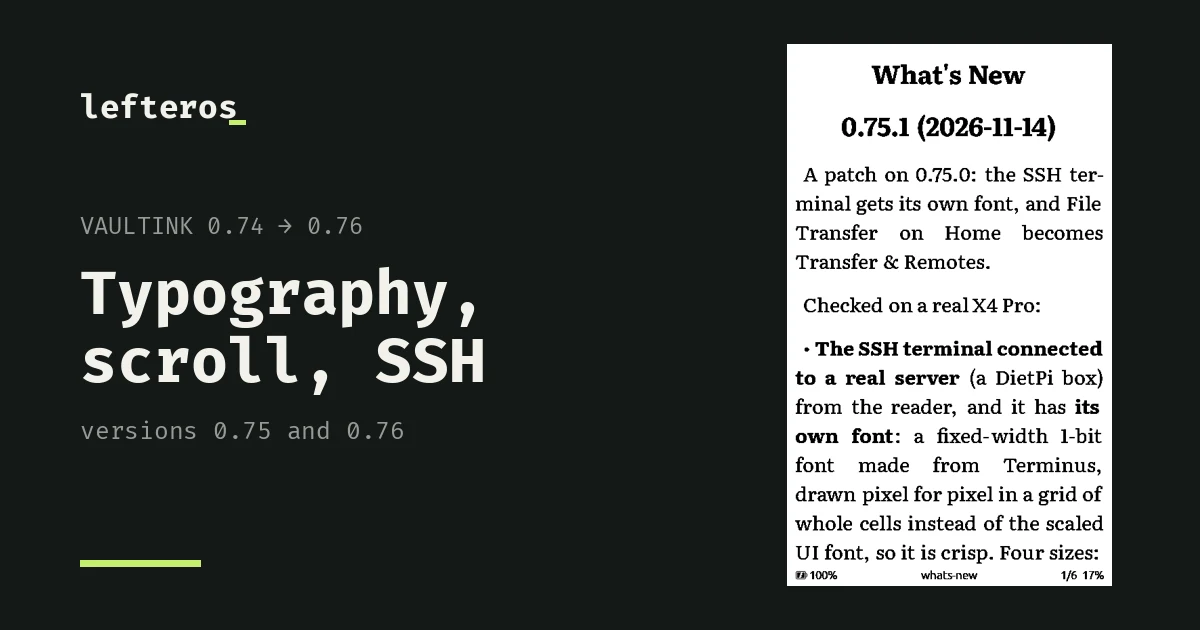
Since the 0.74 post, VaultInk has had three releases: 0.75.0, 0.75.1 and today's 0.76.0. The big change this time isn't only in the firmware: I've now tested a lot of the new things on my own X4 Pro, not only in the simulator. At the end I say exactly what was tested on a device and what wasn't.
Typography Engine (0.76)
Kostas (kos25k) sent me a photo of a page with full justification and hyphenation where the gaps between words came out uneven. The answer is the Typography Engine, in Settings > Reader > Typography Engine and on the last row of the Text menu inside a book. It has:
- Space condensing: gaps get smaller when that lets one more word fit on the line.
- Letter spacing on loose lines: a loose line spreads its letters a little too, not only the gaps.
- A locked space after a dash or a quote: the gap there stays narrow and doesn't stretch with justification.
- A hyphenation mode, minimum letters before and after the hyphen, and a hyphenation language.
All of it is off by default. I tried each setting on my X4 Pro, on an English page, a Greek page and a page of dialogue. For uneven gaps, I'd start with condensing at 70% and Small or Medium letter spacing. 50% is too strong, some gaps nearly vanish. I took no code from KOReader, which has a different licence; I wrote it from scratch.
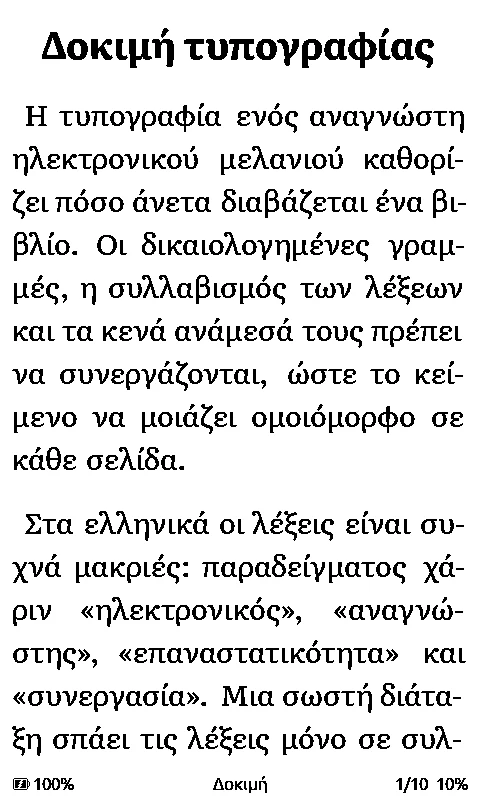
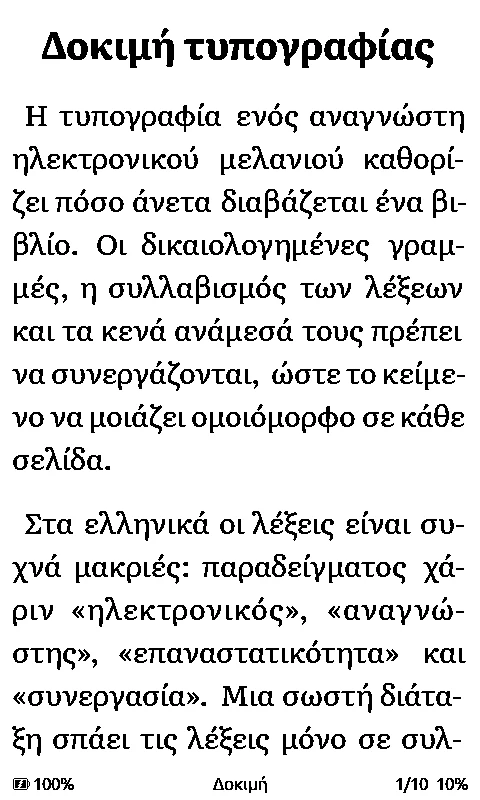
The same Greek page without and with space condensing.
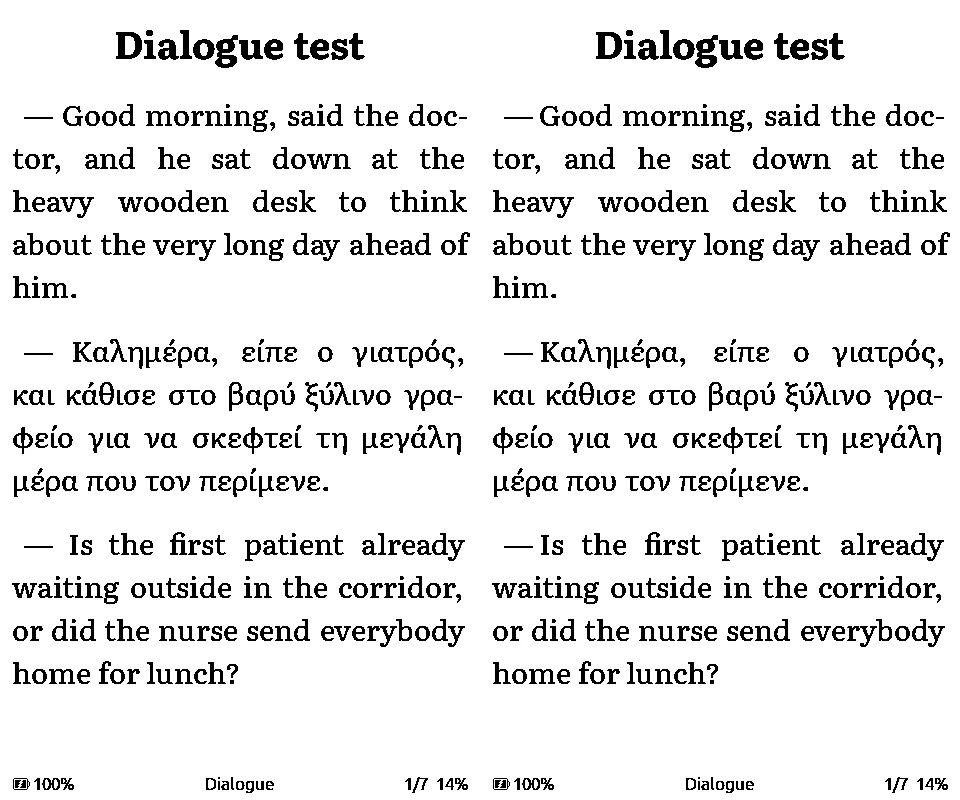
The locked space after a dash, off on the left and on on the right.
Every book is laid out again the first time you open it with 0.76. The Hyphenation switch now agrees in the settings, on the web page and inside the book.
Continuous scrolling (0.75)
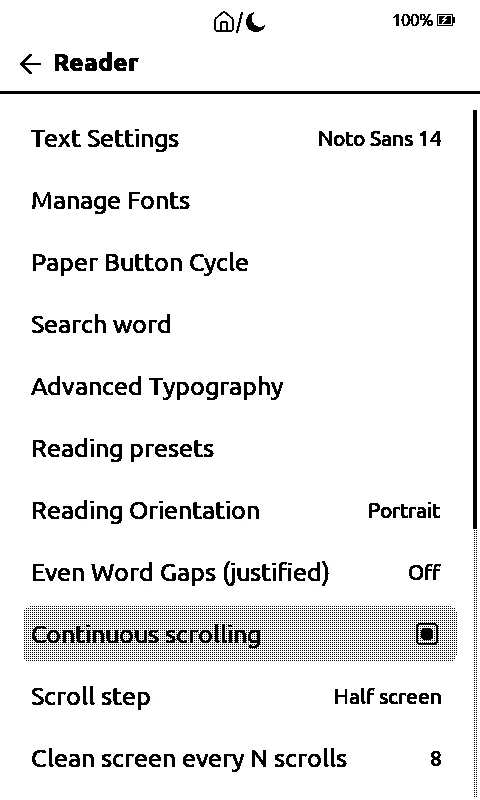
In Settings > Reader > Continuous scrolling, off by default, the book scrolls instead of turning pages, with a step you choose and a screen clean every so many moves. It works, but every step refreshes the whole screen and takes about 1.4 seconds. Kostas tried it on his device too, and it works.
SSH terminal and Transfer & Remotes (0.75 and 0.75.1)
The X4 Pro now has an SSH terminal. It connected to a real server, and it has its own crisp fixed-width font, from Terminus, in four sizes, with box-drawing characters, bold and Greek. You change the size in Settings > Connectivity > SSH servers. There's also an SFTP client, which I haven't tried on a device yet.
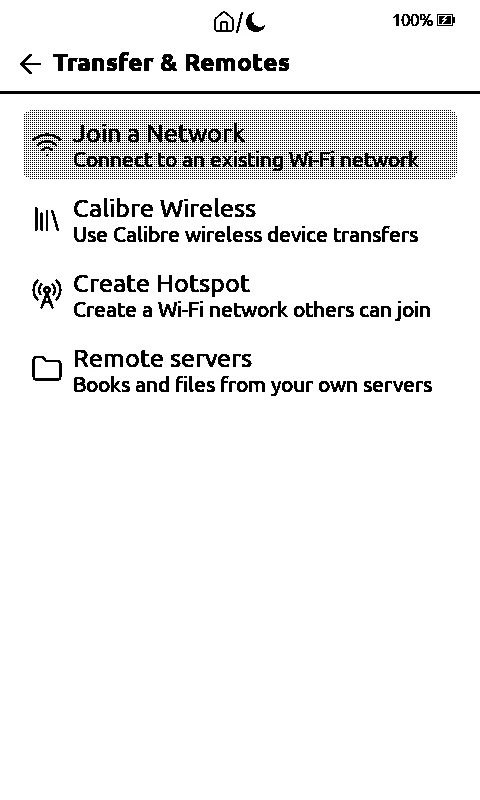
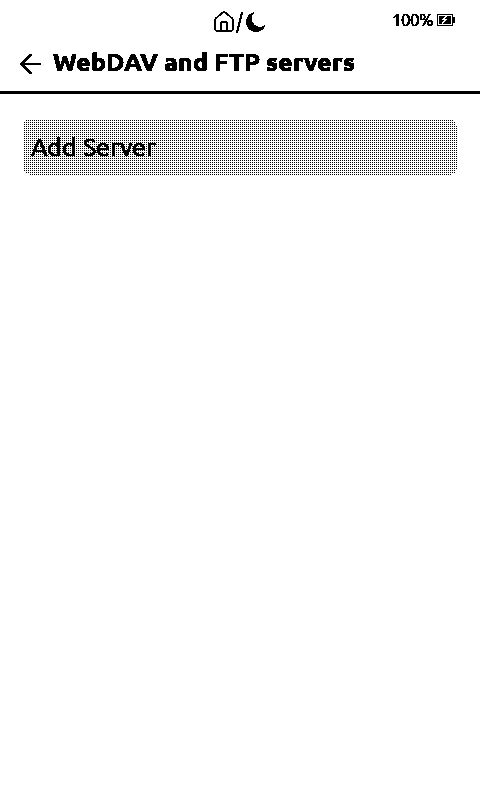
File Transfer on Home is now called Transfer & Remotes, and gathers Join a Network, Calibre Wireless, Create Hotspot, USB Drive, the remote servers (WebDAV, FTP, SFTP) and the SSH terminal on one screen.
Faster, and smaller things
On my X4 Pro:
- Search no longer freezes: the keyboard appears in 0.8 seconds instead of 12.7, and a vault that hasn't changed isn't indexed again.
- The Library shows the list first, in about 1.8 seconds instead of 3.5, and the percents after.
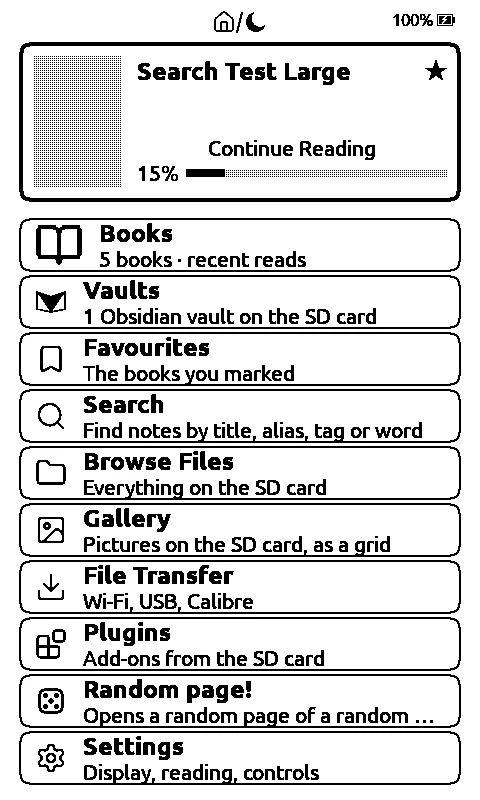
- The home screen fits all ten rows.
- The Gallery shows interlaced and 16-bit PNGs, and dark pictures are no longer black boxes.
- The bottom row of the settings (System) reacts to a tap without scrolling first.
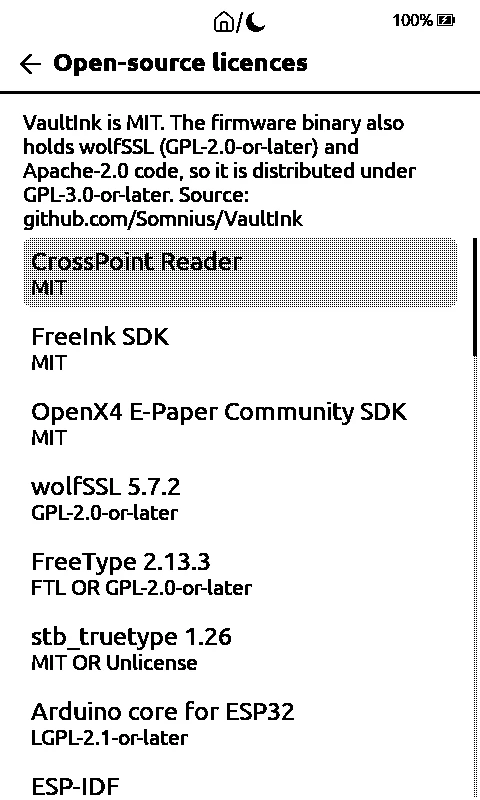
- An open-source licences screen, in Settings > System > About.
Tested on the computer only:
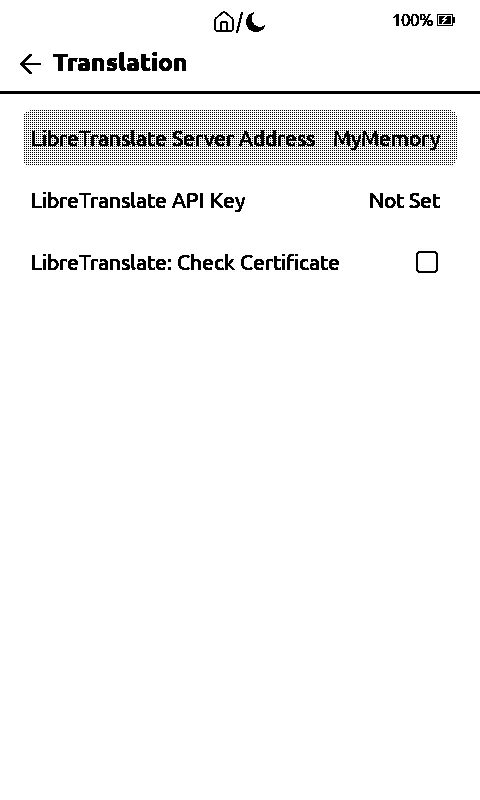
- Translation when the dictionary has no entry, through MyMemory or your own LibreTranslate server.
- DOC and CHM books open as text.
- Gamepad buttons for the reader's actions, never tried with a real gamepad.
- Warm light from sunset to sunrise, and gestures inside the reading presets.
The licence
The firmware now also holds wolfSSH, which is GPL-3.0-or-later and is needed for the terminal and SFTP. So the ready-made firmware files are now distributed under the terms of the GPL-3.0-or-later, with the source in the repository. VaultInk's own code stays MIT. It's all explained in docs/licenses.md, and the same list is on the device.
What's been tested on a real device, and what hasn't
On my own X4 Pro: the Typography Engine, the faster search and Library, the ten rows on Home, the PNGs and dark pictures in the Gallery, the settings fix, continuous scrolling, the SSH terminal with a real server, and the licences screen. Kostas confirmed continuous scrolling on his device too.
Not tested on a device: SFTP, translation, DOC and CHM, the gamepad, warm light from sunset to sunrise, and gestures in the presets. The GitHub certificate check passed on my developer build for the update check and the font list (I didn't run the firmware download), but it's still off in normal builds. Only English and Greek have the new names; other languages show them in English. The smallest terminal size may be hard to read.
Back up your SD card before you update.
How to get it
Install from the web installer, or update from the device in Settings > System > Check for Updates. The full lists are in releases 0.75.0, 0.75.1 and 0.76.0, and on the project page.
Thanks to Kostas (kos25k) for the photo that brought the Typography Engine and for the testing, and to the people behind CrossPoint Reader, the FreeInk SDK and the Terminus font.