 lefteros
LEFTEROS / PERSONAL NOTES
Skills for dwm-titus: sending assistants to the right files
13 October 2026 / Lefteris Iliadis / SomniusX
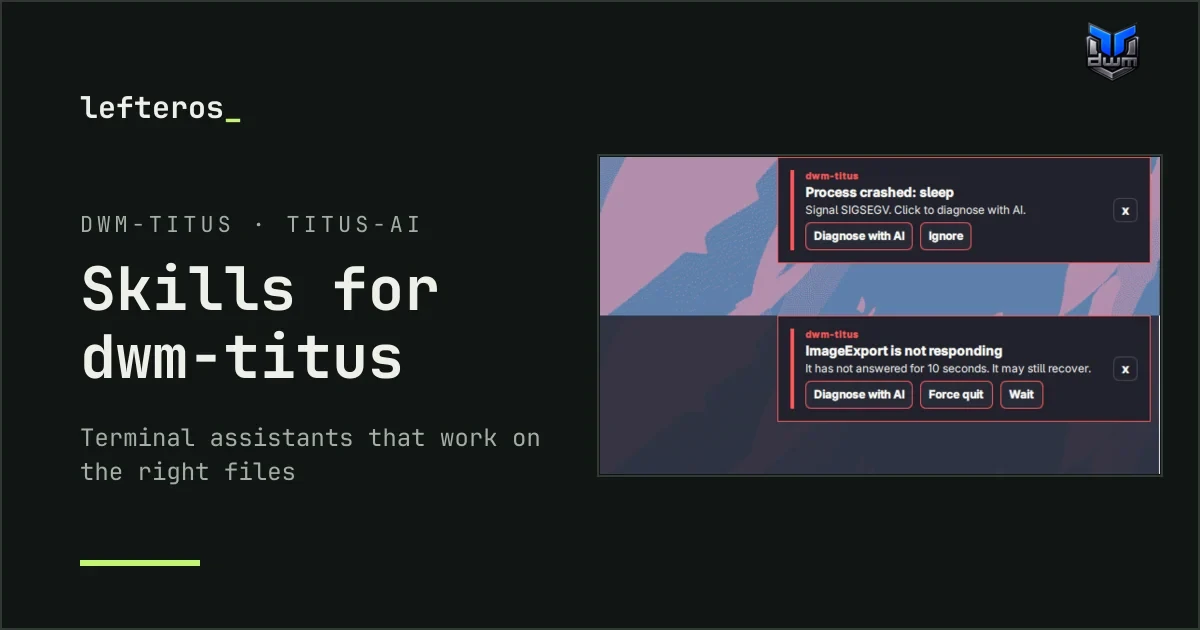
In the previous post about dwm-titus there was a story that stayed with me: gkap28 customised the panel, and the next update wiped every change, because they were made in a folder that updates replace. That story is the reason for this post too.
Why skills
More and more people change their desktop by asking an assistant in the terminal: “add a shortcut”, “make this window float”, “why did my panel disappear?”. Assistants like Codex, Claude Code or OpenCode are good at Linux in general, but they don't know a particular distro. So they guess. They edit ~/.config/quickshell/, which the next update replaces. They write float=1 in a window rule, which dwm-titus silently ignores. They add a shortcut below the examples at the end of hotkeys.toml, outside the list, where it does nothing.
Omarchy solves this with skills: short documents that ship with the system and tell an assistant how this desktop is actually put together. Where each setting lives, which tools to use, which folders to leave alone, how to check its own work. In issue #298 rahuljangirworks asked for the same in dwm-titus, and Chris Titus replied: “Absolutely, I have most of these skills in my titus-ai repo and I'll pull these in.”
titus-ai is that repository: Chris's portable configuration, rules and reusable skills for terminal assistants. So the skills for dwm-titus belong there, and I wrote two of them, in pull request #4.
The two skills
dwm-titus, for changes. Shortcuts, themes, window rules,config.h, panel widgets, autostart, wallpaper, picom, locking and idle, LightDM, and thedwm-*helper tools. It sends the assistant to the files actually installed on your machine instead of to copies of the docs, keeps it out of the folders updates replace (~/.config/quickshelland/usr/local/bin), and never lets it overwrite yourconfig.hor your settings files.dwm-titus-debug, for problems. It only looks, unless you ask for a fix. It starts with dwm-titus's owndwm-diagnosticsanddwm-system-health scan-user, then follows a table from symptom to evidence: the X session errors, the panel's log, the user journal, picom's log, crash dumps.
They also write down the things that bite in practice:
float=1in a window rule is ignored; onlyisfloatingcounts.- A rule only sticks if it comes after the general rule it overrides. The Alacritty rule that ships with dwm-titus resets floating, for example.
- New shortcuts must go inside
keys = [ ... ]. The commented examples at the bottom ofhotkeys.tomlare outside it. - Running
install.shagain overwrites the login screen'sslick-greeter.confwithout a backup.
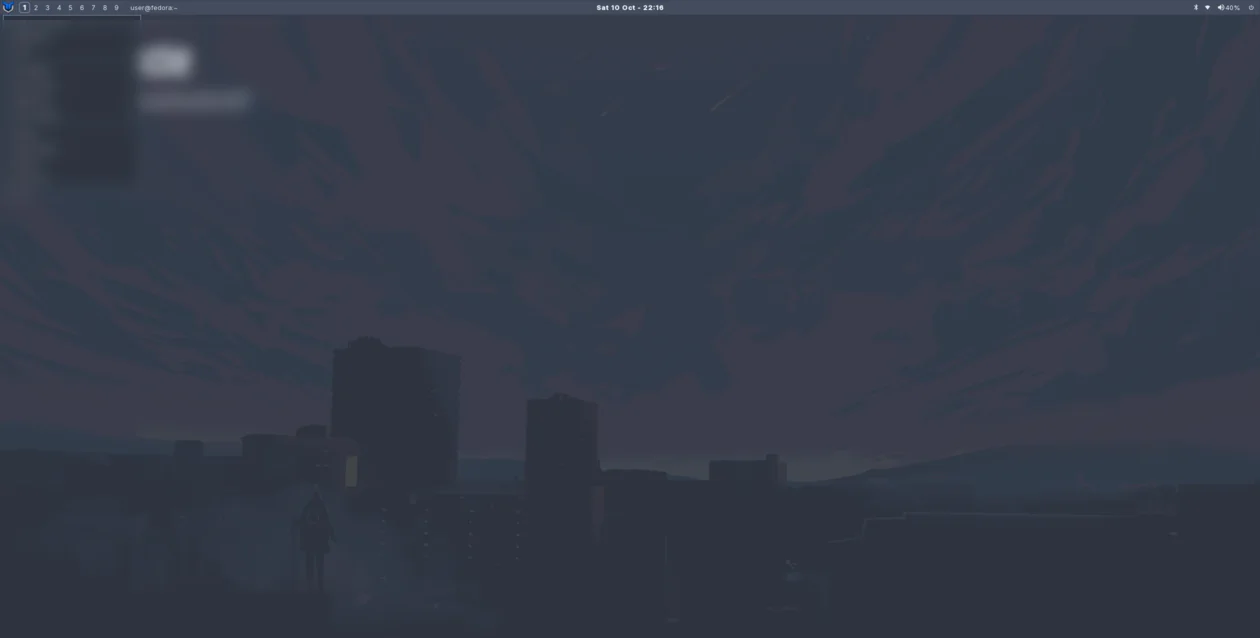
Following the skill on a real install: the theme switched to Nord, the Control Center opened from the command line.
Everything in them comes from dwm-titus's own source and a real 0.7.2 install on Fedora 44, not from general dwm knowledge. Every helper, command and path they mention was checked against both: 98 checks.
The next step: Diagnose with AI
Skills help when you ask. Omarchy goes one step further: when a program crashes, a notification asks if you want an assistant to look into it. I wrote up how dwm-titus could do the same in issue #378. It's a proposal, with working code on a branch of my fork, not a feature of dwm-titus:


- Clickable notifications. The panel's notifications couldn't have buttons yet. That has to come first.
- Noticing hung windows. dwm couldn't tell when a window stopped responding. The branch adds the standard check (
_NET_WM_PING): a ping every 5 seconds, marked as hung after 10. It's off unless you switch it on. - “Diagnose with AI” on crashes (on by default) and on hung windows (off by default), with Force quit and Wait for the latter. Window titles never go into what the assistant gets, because they can carry private things.
- A Settings page to choose the assistant: Codex, OpenCode, Gemini CLI, Claude Code, Cursor CLI or Hermes, installed through mise. You sign in from there and pick your default.
- The skills shipped with the distro, plus a sample RPM package for them.
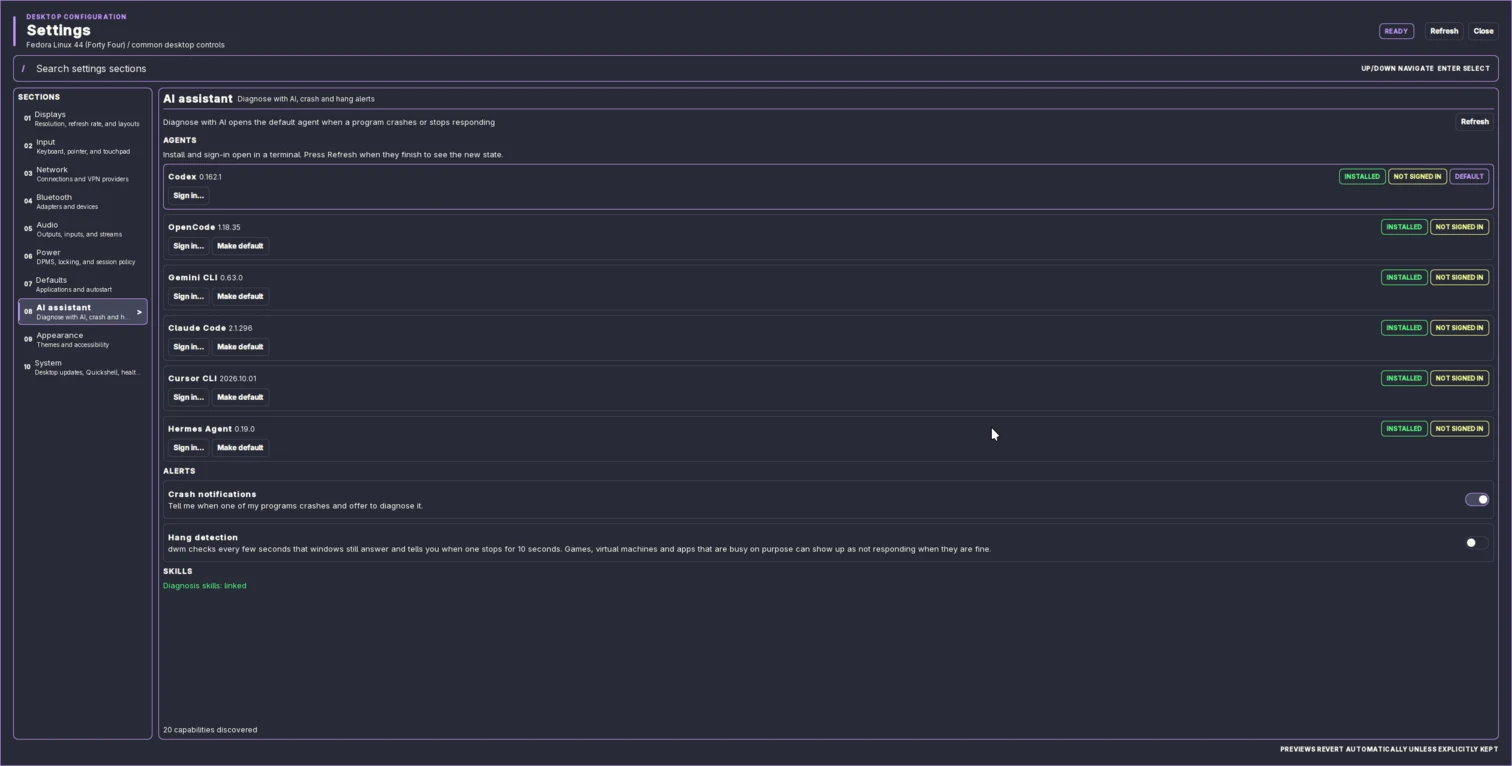
Settings > AI assistant on the branch: six assistants, and the switches for crashes and hung windows.
The real test came on its own: Brave crashed in the VM. The debug skill traced it to Brave's own internal check, not to dwm-titus, and that run showed me four more things to fix in the proposal.
How it was tested, and what's open
On a Fedora 44 virtual machine with dwm-titus 0.7.2 (LightDM, X11), following the skill steps by hand: a theme switch, a new shortcut and a floating window rule checked after reload, and a deliberately broken shortcut to see the debug skill catch it. Then the config was restored and compared with the backup. For the proposal: a crash on purpose, a frozen window, Force quit, and the real Brave crash.
What I haven't tested: whether an assistant picks the skills up on its own inside a dwm-titus session, the other five assistants diagnosing a crash (only Codex did), several monitors and NVIDIA.
Both are open. Chris has the final say on all of it, and on #378 there are real choices to make, like how much freedom an assistant should get when it starts. The dwm-titus page shows where things stand.
Thanks to rahuljangirworks for asking, to Chris Titus for saying yes in #298, and to robzolkos, whose skill for Omarchy was the model I pointed to.