 lefteros
LEFTEROS / PERSONAL NOTES
Keyboard Layout 1.2.5: ready for Omarchy’s new Caps Lock
13 October 2026 / Lefteris Iliadis / SomniusX
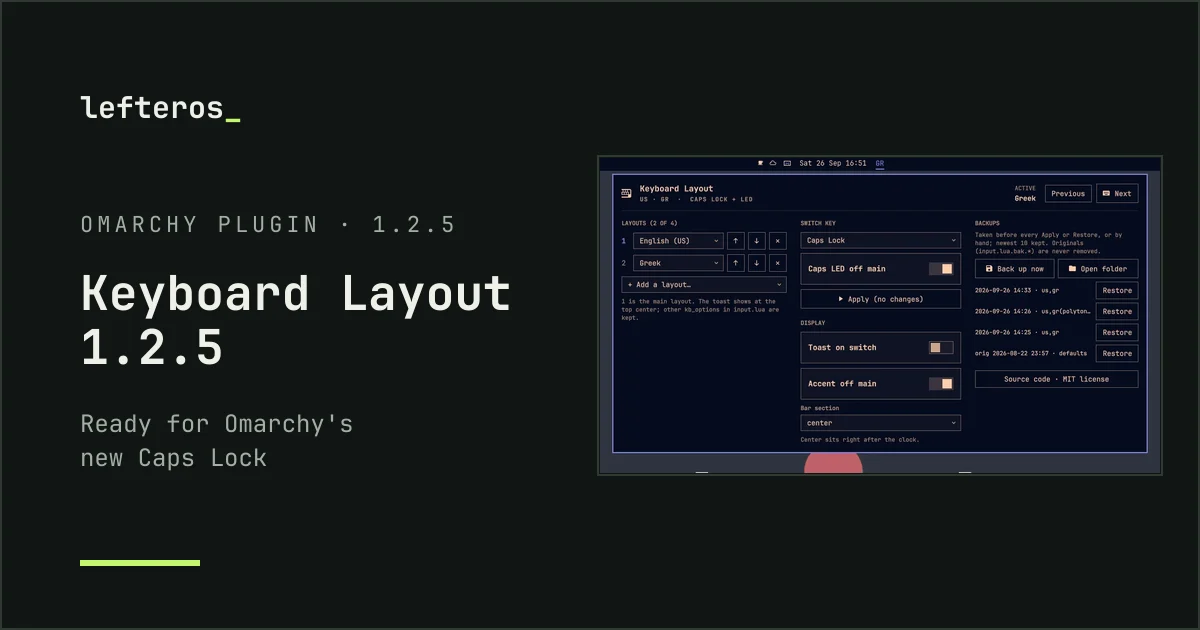
A new version of Keyboard Layout, my plugin for the Omarchy bar. Nothing is broken today. This one is for what’s coming.
Omarchy’s next release changes Caps Lock out of the box (PR #14939). Caps Lock goes back to being Caps Lock, and Shift+Caps Lock becomes the Compose key. Until now Caps Lock itself was Compose, and both Shifts together were Caps Lock. To do that, Omarchy adds its own keyboard option, omarchy:shift_caps_compose, which redefines the whole Caps Lock key.
That’s a problem if you switch layouts with Caps Lock, like many of us who type in two languages. Version 1.2.4 keeps Omarchy’s default options on the first Apply, so the new option would be kept alongside the switch key. And because it takes over the whole key, Caps Lock would simply stay Caps Lock: no switching, and nothing telling you why. I checked it by compiling the keymaps against Omarchy’s new files, for every Caps switch key (Caps Lock, Shift+Caps Lock, Alt+Caps Lock).
What 1.2.5 does:
- When the switch key is on Caps Lock, Compose moves to Right Ctrl, and the panel tells you before you press Apply.
- Right Ctrl and not Right Alt like before: on Greek, German and similar layouts Right Alt is AltGr, so Compose there only worked on the first layout. Right Ctrl works on all of them. If another option already uses Right Ctrl, Compose goes to Menu, then Right Alt.
- If you already have Compose on another key, that one stays and the Caps Lock one is simply dropped.
- Other options that take over Caps Lock, such as
lv3:caps_switch, step aside too, with a note. - If your switch key isn’t on Caps Lock, Omarchy’s new default stays as it is: Caps Lock is Caps Lock, and Shift+Caps Lock is Compose.
If you’ve already pressed Apply once, your input.lua has its own options, and the change in Omarchy’s defaults doesn’t affect you. The fix is for anyone on the next Omarchy release who hasn’t pressed Apply yet.
To update: omarchy plugin update lef.keyboard-layout and an omarchy restart shell. The new version is already on GitHub, and it’ll show up on the Omarchy plugin marketplace once it’s submitted and passes review.