 lefteros
LEFTEROS / PERSONAL NOTES
Fantasi: images, video clips and songs on your own Omarchy machine, no cloud
20 November 2026 / Lefteris Iliadis / SomniusX
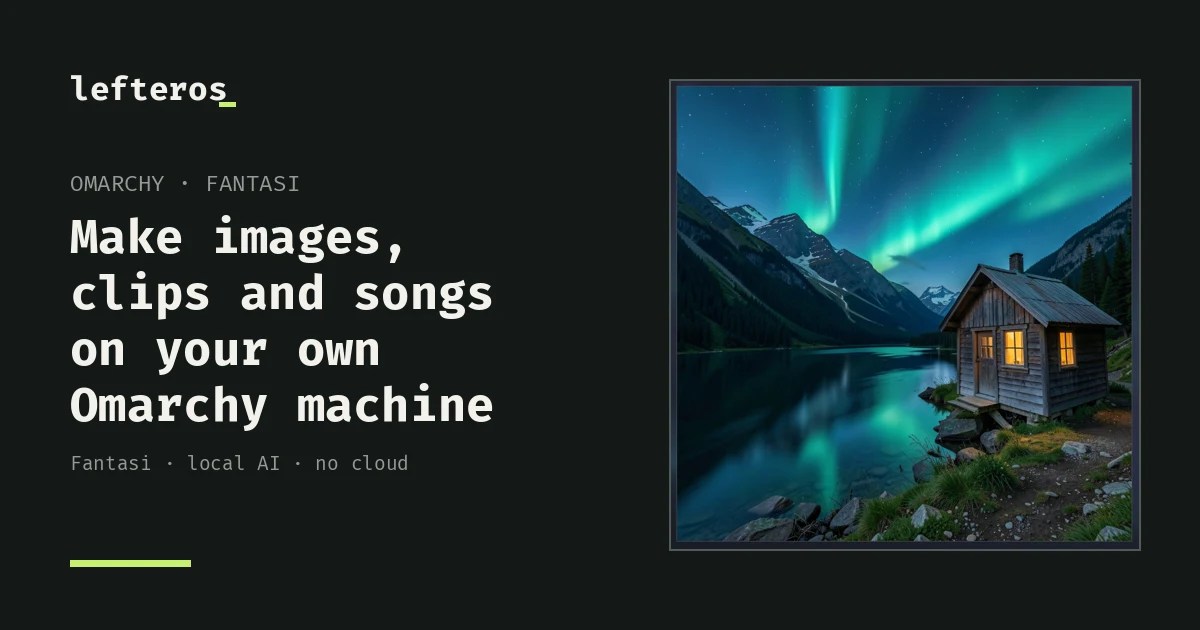
Omarchy is getting its own image maker. It's called Fantasi, and as @OmarchyUpdates announced on X, the next update installs it for everyone. It makes images, video clips and songs on your own machine, with Omarchy's local AI models. No cloud.
What it does
- Describe what you want to see and the picture comes to life. In the video: "a cabin under the northern lights".
- Change it by saying what should change. Start from a picture, yours or one Fantasi made, and type something like "make it night". The README says you can also combine up to four pictures.
- Turn a picture into a clip with sound: 2, 5 or 10 seconds, if your machine has the memory. The README also mentions up to the 15 seconds MiniMax H3 is made for, and a clip can also start from a prompt alone.
- Give it lyrics and get a song. Describe the sound, like "warm synthwave with a male vocal", and add the words, yours or its own.
The model you pick decides what you make: an image model for pictures, a video model for clips, a music model for songs.
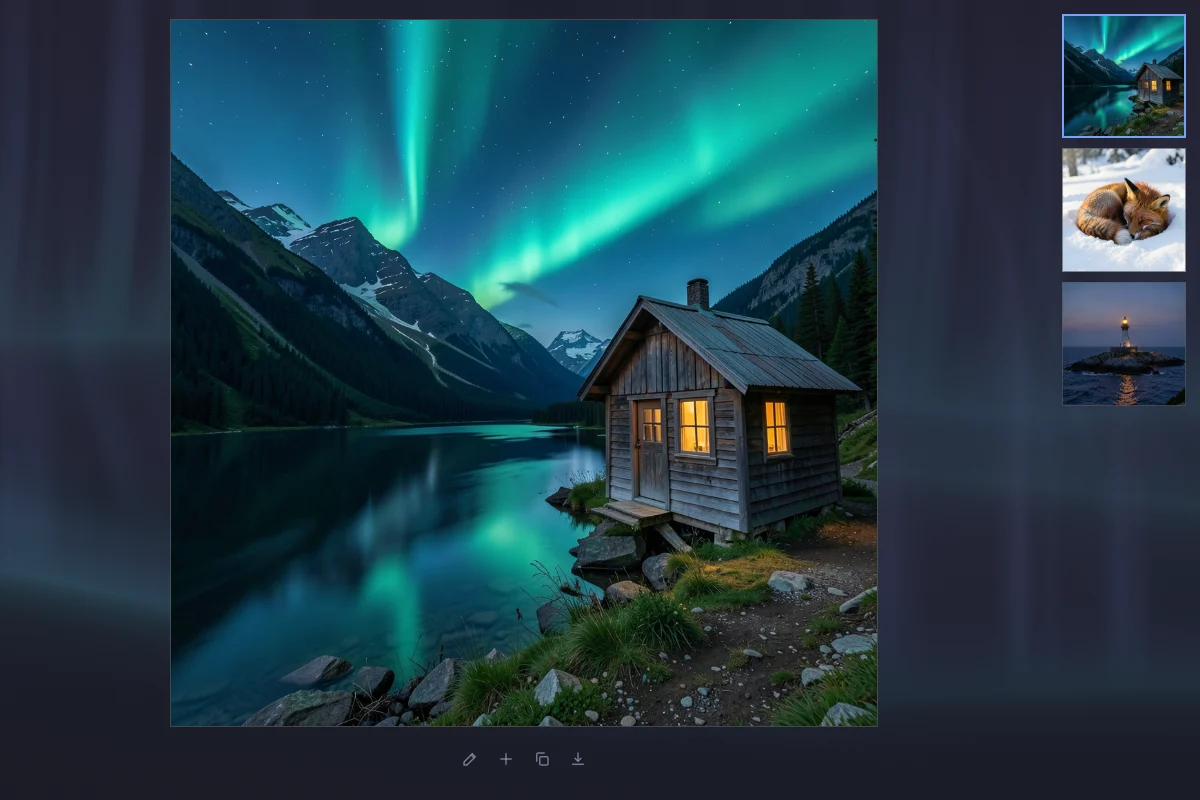
Where things are saved
Images and clips go to ~/Pictures/Generated, each with the prompt that made it. Songs go to ~/Music/Generated.
The models run in omarchy-local-ai. If none is running, Fantasi offers to start or set one up.
From the terminal
There's a command line too, if you prefer it or want it in scripts:
fantasi generate "a calm lake at dusk"
fantasi generate "make it night" --from lake.png
fantasi generate --video "the mist lifts off the lake" --from lake.png
fantasi generate --music "warm synthwave with a male vocal" --lyrics "[verse]\nTyping at midnight\n[chorus]\nTake me home"
fantasi skill install    # teach your coding agents to make images
A few shortcuts from the README: Enter makes it, Ctrl+E changes it, Ctrl+O adds a picture, Ctrl+1/2/3 picks screen, square or portrait, Ctrl+B shows or hides the history, and F1 lists them all.
When it arrives
PR #19353, which makes it a default app, was merged on 18 November. New installs get it with the base packages, and existing machines get it through a migration, unless you removed the preinstalled apps. Fantasi is open source under the MIT license: github.com/omacom/fantasi.
I haven't tried it on my own machine yet. Everything here comes from the announcement, the video, the README and the PR. Once the update lands I'll see how fast it is and how much memory the clips need.
What would you make first?